Looker Studio Business Intelligence
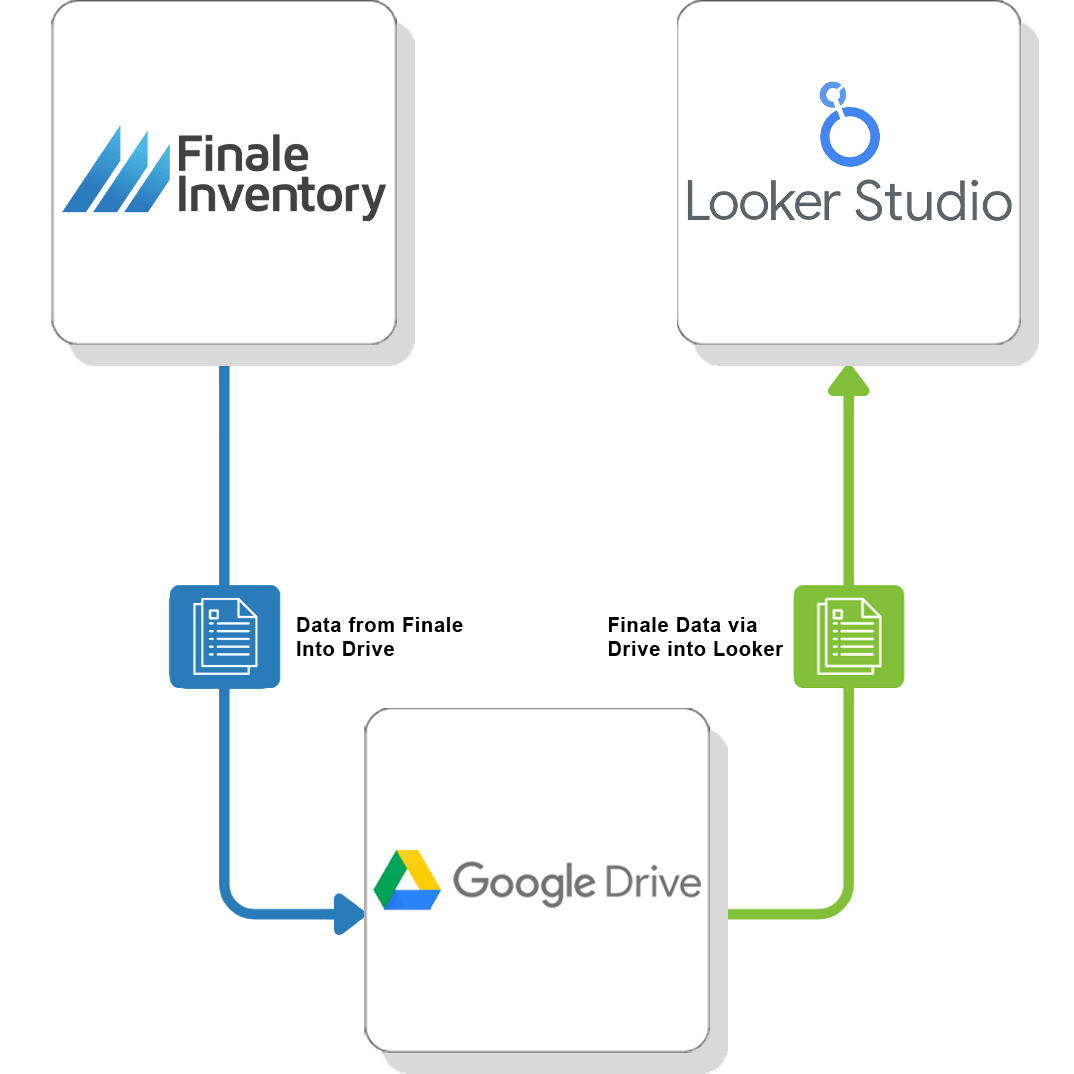
Visualize your data from Finale Inventory with a Google Drive-powered Looker Studio integration.
Automatically sync your inventory data, create interactive dashboards, and gain real-time insights—no technical expertise required.
Visualize Your Data in Looker Studio
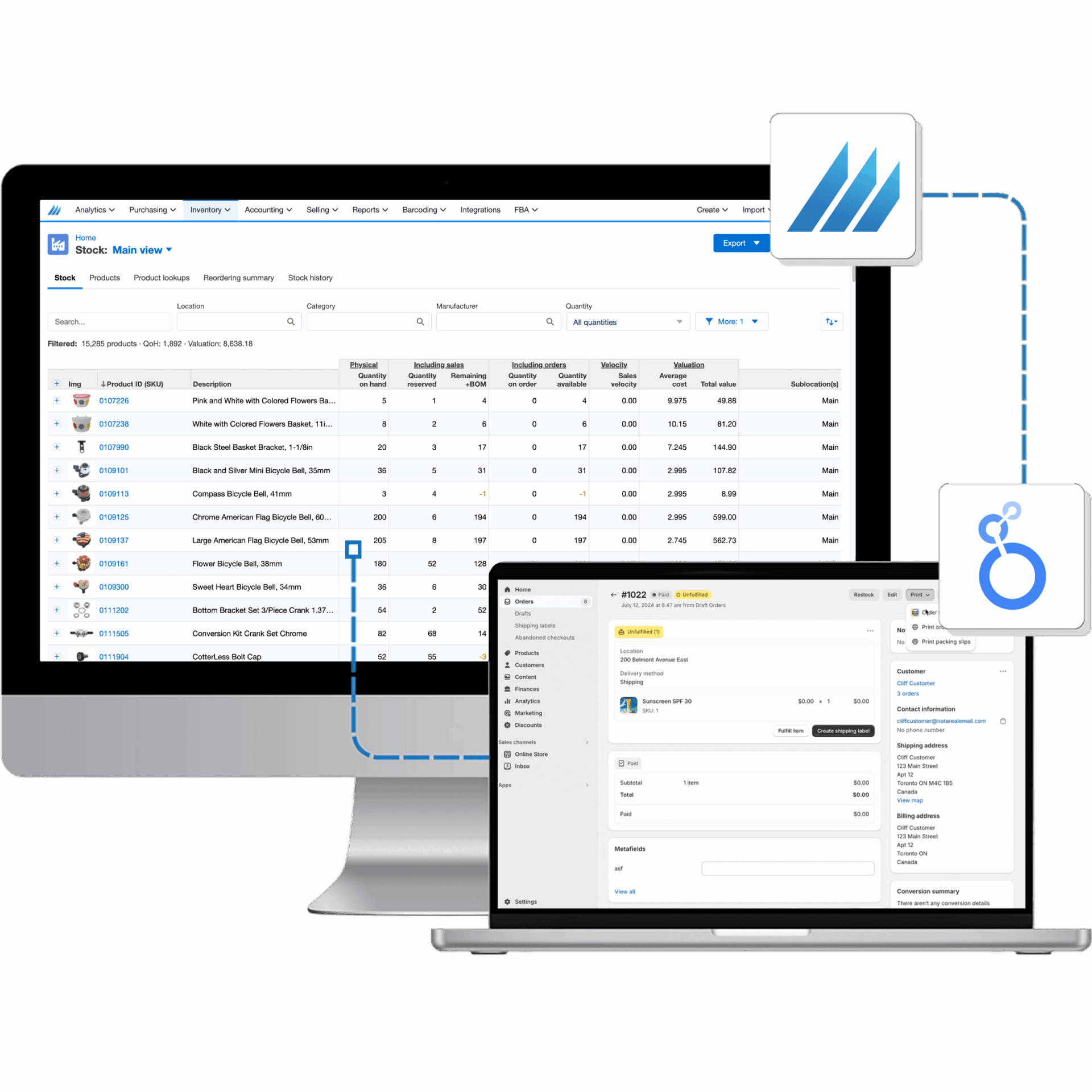
Turn static information into dynamic, interactive dashboards for data-driven insights: Finale Inventory’s Looker Studio integration enables businesses to seamlessly connect their inventory data and reports directly to Looker Studio.
Real-Time Visibility: Keep your team informed with automatically updated dashboards, ensuring everyone always has access to the latest inventory data.
Error Reduction: Reduce manual data handling and minimize inaccuracies by automating inventory data synchronization into Looker Studio.
Comprehensive Insights: Easily organize and visualize critical inventory metrics within Looker Studio, streamlining decision-making and improving overall operational efficiency.
Automate Real-Time Data Exports
Schedule Automated Refreshes: Set key reports—such as stock levels and sales data—to update at intervals that meet your business needs, whether daily, weekly, or more frequently.
Flexible Data Formats: Leverage Looker Studio’s broad data connectors and capabilities to handle various formats, ensuring collaborative, data-driven decision-making.
Seamless Integration: Align data refresh schedules with existing Looker Studio workflows for a streamlined, uninterrupted analytics experience.
Empowering swift, informed decisions: By automating data updates, you’ll always have the most current insights at your fingertips with Finale’s Looker Studio integration.


Team Collaboration with Looker Studio
Collaborate Simultaneously: Teams can view and edit inventory data together.
Stay Informed: Reduce errors with team access to the most up-to-date information.
Boost Productivity: Facilitate better coordination, whether in the office or remote.
Enhancing Efficiency: Shared Looker Studio dashboards and reports ensure everyone is on the same page across your organization.
Flexible Exporting Options
Customize Your Data Exports for Looker Studio
Control Your Datasets: Overwrite existing datasets to keep analytics current, or create new versions with timestamps for historical trend analysis.
Flexible Formats: Feed Looker Studio with data from Excel, CSV, or other supported file types to ensure seamless integration and comprehensive, interactive reporting.
Align with Your Operations: Configure data refresh schedules and structures to match your business workflows, ensuring your Looker Studio dashboards always reflect the most relevant, up-to-date information.