AWD Inventory Management
Maximize Revenue and Simplify Operations With Software Made for AWD
Get real-time visibility, automated replenishment, and unified inventory data across Amazon Warehousing and Distribution (AWD), FBA, and additional sales channels.
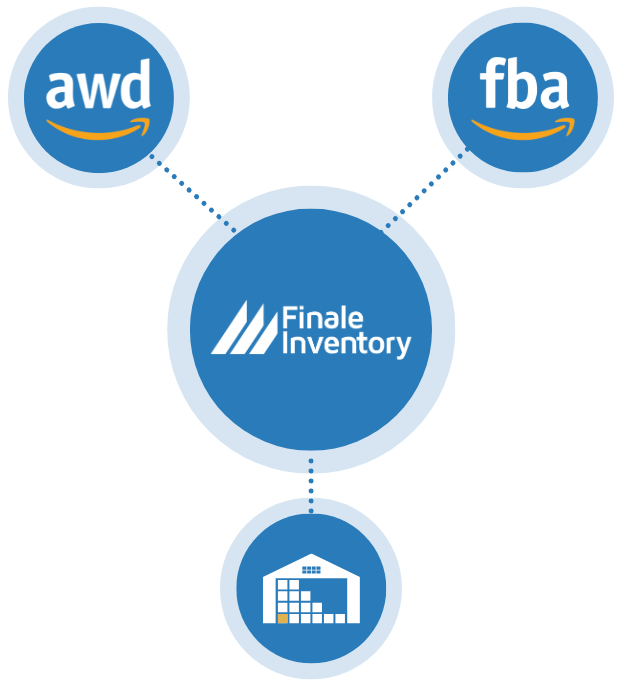
Go Beyond Amazon Seller Central
- Avoid overselling, stockouts, Amazon FBA fees, and frustrated customers
- Easly replenish your AWD stock from your warehouse
- Automatc purchase orders (POs) for your whole business
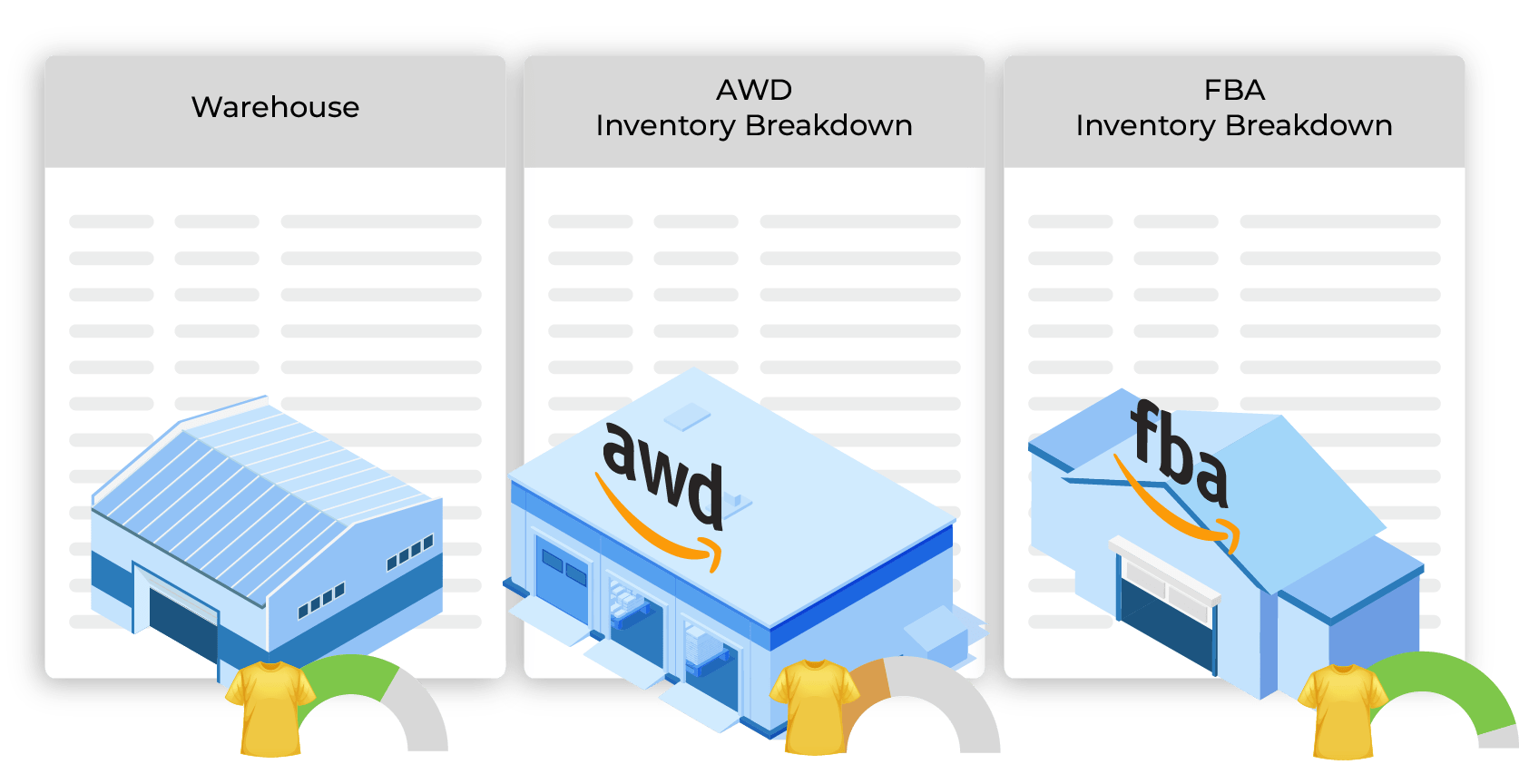
Total View of AWD & FBA
Tracking total available inventory is difficult since AWD and FBA data are separate, forcing sellers to rely on manual tracking. This causes errors, fees, and upset customers. Finale consolidates AWD, FBA, and other sales channels into a real-time dashboard for accurate stock visibility. No longer piece together the numbers to account for inventory inbound to AWD and FBA, in addition to stock at FBA and at AWD.
With a complete inventory view, avoid stockouts, prevent overselling, and make smarter restocking decisions.
Amazon AWD Replenishment
Amazon sellers struggle to decide when and how much inventory to send to Amazon Warehousing and Distribution (AWD) without clear visibility into total stock and FBA sales velocity, leading to stockouts or excess inventory. Finale Inventory tracks AWD, FBA, and warehouse stock in one place while calculating sales velocity. With automated transfers and precise replenishment insights, sellers can keep products in stock without overcommitting inventory.
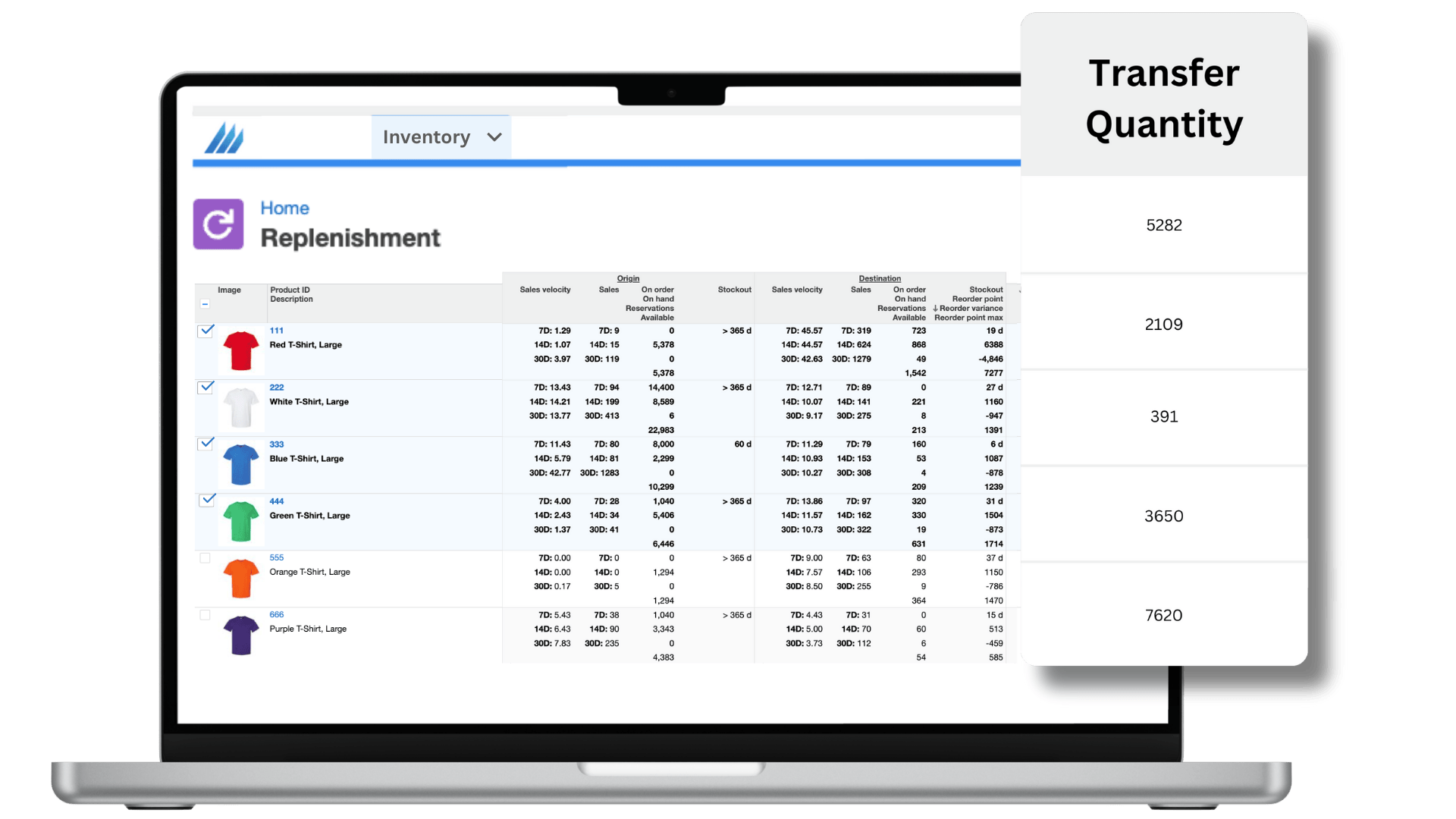
Automatic Purchase Orders
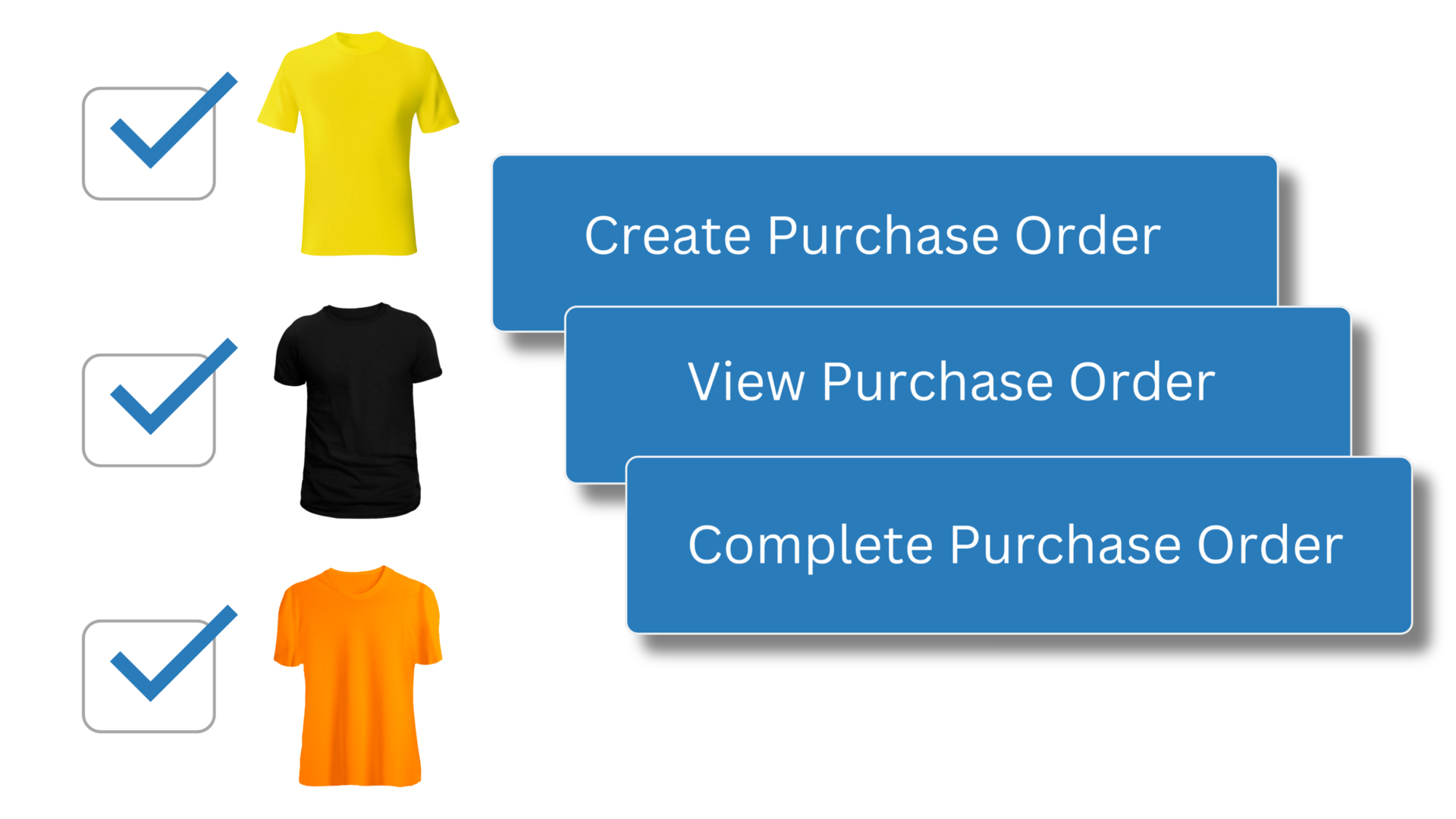
Running out of stock can disrupt fulfillment to AWD and FBA, leading to shortages and missed sales. Finale tracks total stock levels and sales velocity across all channels, giving you the power to automatically generate purchase orders. With holistic demand planning and auto-populated purchase orders, sellers gain control over their entire business, ensuring efficient restocking for all fulfillment channels. Bulk AWD purchase orders can unlock supplier discounts and fewer FBA headaches.
Amazon Warehousing and Distribution (AWD) overview video
Watch the step-by-step Amazon video guide to see exactly how it is all connected.
How do I initiate a transfer to Amazon Warehousing and Distribution (AWD)?
It all starts with the replenishment screen. This is Finale’s suggested amount for you to transfer from one location to another. For example, from your main warehouse to Amazon AWD. You can transfer the suggested amount or the quantity of your choosing. When it comes time to send out your transfer, take advantage of Finale’s mobile barcode scanner system. This makes high-volume and bulk transfers easy, fast, and accurate. Just scan and go!
Can Finale detect and show discrepancies when sending to Amazon Warehousing and Distribution (AWD)?
Yes, Finale monitors the shipment’s progress, updating stock levels upon receipt by Amazon and recording any discrepancies as “Problem Quantity” when the shipment is closed. This is similar to how Finale shows FBA “Problem Quantity” discrepancies . Read more about the AWD integration.
What do I need to do to connect my AWD with Finale?
We’ll walk you through these steps to start. If you already use Finale for selling on FBA , there is not much else you have to do: Create your products in Finale Create product lookups for Amazon AWD SKUs and map to the associated Product IDs Both of these can be done in bulk. Read more about how to start