


As e-commerce businesses scale their operations, they need an order management tool that can keep up with growth while delivering on-target order tracking and reports. ShipStation is a popular solution that streamlines order fulfillment and stock management. The software gives businesses of all sizes the benefits of automating order processing and streamlining inventory supervision.
With Finale Inventory’s scalable technology, you can integrate your business’s ShipStation account to handle inventory seamlessly. Learn more about the benefits and features of ShipStation and whether it is right for your e-commerce retailer.

What Is ShipStation?
ShipStation is an online shipping software that helps e-commerce retailers manage their order fulfillment and shipping process from one central platform. With ShipStation, e-commerce retailers can access all the shipping information they need for each order and automate several processes to save time, getting orders to their customers efficiently.
ShipStation is a software as a service platform that runs independently of other software. The scalable solution grows with your business, offering new features to help manage a growing number of orders. ShipStation’s powerful automation allows business owners to spend less time manually overseeing their shipping process and more time working on other aspects of running and growing their company.
To use ShipStation, e-commerce retailers can integrate it with their online selling platforms, including Amazon, eBay and their company website. All orders through each channel will import into ShipStation, centralizing order information.
Businesses can use ShipStation to manage all stages of the shipment process, including setting a carrier for the parcel, getting postage rates and printing shipping labels. Having completed all these steps, ShipStation will update the order’s status to “shipped” and notify the customer. The platform also allows businesses to track all orders during shipment and easily manage returns.
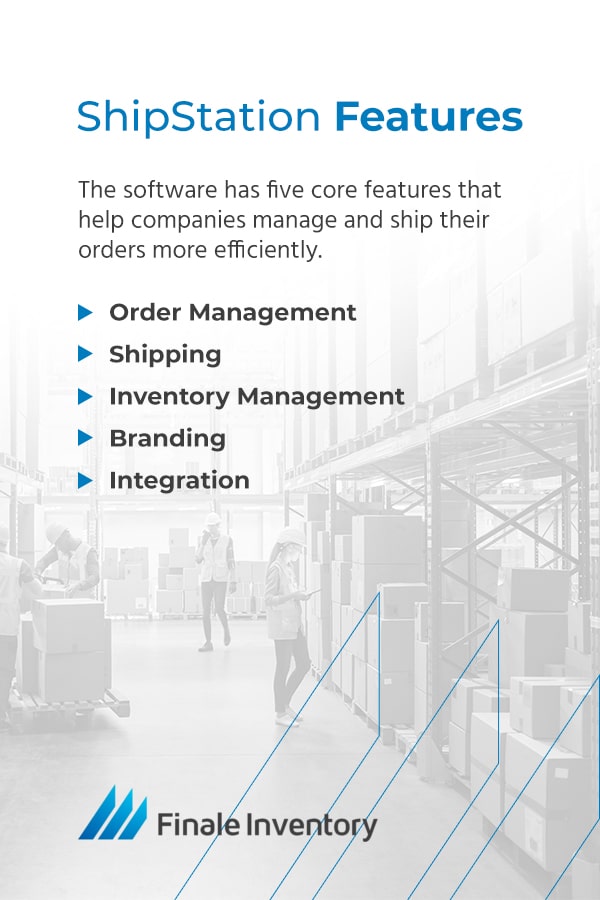
ShipStation Features
ShipStation offers streamlined order fulfillment to e-commerce businesses wherever they sell their products online. The software has five core features that help companies manage and ship their orders more efficiently.
1. Order Management
The first step in accurate order fulfillment is order management. If e-commerce retailers sell from multiple online channels, they need a way to manage incoming orders from all those avenues. Populating purchases in a central location helps with timely order fulfillment and can reduce oversights.
ShipStation simplifies integration with nearly 100 online sales channels. You can review your metrics from ShipStation’s dashboard to get a precise picture of your company’s order fulfillment success. ShipStation’s order management tools can automate general functions or use the inventory thresholds you input to manage multiple channels differently. ShipStation also allows businesses to split order fulfillment across various warehouses to fill them faster.
You can connect an unlimited number of stores to your business’ ShipStation account. Choose from the list of available sales channels within ShipStation to link your business and start importing orders.
2. Shipping
ShipStation streamlines the shipment process with controls to track the best shipping rates across carriers. ShipStation also selects discounts, helping you save money and choose the best price. You can also generate and print shipping documents attached to the corresponding order within your system. In addition, you can use the batch shipping feature to organize and process shipments into groups with similar characteristics. This feature allows you to batch international and priority orders, or create a custom batch.
Correct shipping labels are only helpful if they correspond to accurate orders. The in-system order verification tools can ensure precise fulfillment and improve your warehouse procedures. Your team will need to scan orders as they pick and pack them to ensure each order contains the correct items. This feature helps you maintain high customer satisfaction.
3. Inventory management
Often, order management software uses inventory tracking to give businesses real-time updates on the inventory levels in their warehouses. Managing inventory gives companies control over their reorder points to avoid stock-outs and ensure their stock levels are always updated.
With ShipStation, businesses can input their inventory level and track changing stock counts as orders go out to customers. Other tools within the platform allow you to reserve inventory for specific orders and send yourself alerts when it’s time to reorder products. You can also input your product’s warehouse location and print that information on packing slips, ensuring warehouse workers can quickly locate and pick the correct items for each order.
4. Branding
In a highly connected and ever-growing online market, uniquely branding your business is more crucial than ever. ShipStation’s branding elements can give your online presence the singular look you want, helping it stand out from the crowd. Through ShipStation, you can circulate your logo on order tracking pages and return portals.
You can also add your logo to company emails and shipping labels. At every stage of a customer’s interaction with your company, they will recognize and associate your brand with the service you provide.
5. Integration
An essential feature of an e-commerce tool is its ability to seamlessly integrate with other partners and platforms. A versatile and accessible tool can multiply a company’s productivity. ShipStation integrations include hundreds of partners, so you are likely to find your current solutions are still available to you as a ShipStation user. ShipStation’s partners include third-party plugins, marketplaces, shopping cart tools, selling locations and carriers.
If you want to integrate with a store that isn’t available, a developer can build a custom store or use ShipStation’s open API to funnel shipping information to and from the platform. ShipStation API allows developers to design an application that interfaces directly with the system, automating data input tasks.
Who Should Use ShipStation?
Many companies can benefit from including ShipStation in their order management technology suite. The software is versatile enough to suit small e-commerce businesses, large retailers shipping thousands of orders a month and everything in between. ShipStation is currently available to companies in the United States, Canada, Australia and the United Kingdom. While seller accounts must have a home base in these countries, ShipStation account users can often reach customers outside these regions through third-party partners or integrations.
Though ShipStation is available in multiple countries and to businesses of all sizes, it is ideal for small businesses looking to scale their operations. ShipStation could be a good fit for your operations if you do any of the following.
- Manage multiple selling and distribution channels: Businesses of all sizes now have access to numerous selling channels through online retail. Large platforms like Amazon and Etsy give all businesses a broader market. If your company has a high order volume and adds multiple warehouses — or works with a 3PL with several locations — ShipStation can streamline the order fulfillment process and simplify your channels.
- Need simplicity: Growing a business involves facing new challenges and managing multiple tasks to keep operations running smoothly. You and your team have a lot on your to-do lists. Every task simplified is more time to spend focusing on other aspects of growing and operating your business. If you need to automate your operations, ShipStation is the one-stop tool to help you achieve those goals. ShipStation’s platform completes order tracking and shipping for you, saving your team valuable time.
- Want to bring your products to more people: One of ShipStation’s most remarkable features is its ease of scalability. When you scale your business to meet increased demand, one of the best tools you can get is a solution that can manage your growing infrastructure. With ShipStation, you can effortlessly add new selling channels and keep track of an unlimited amount of inventory. Those features make it easy to scale up and adapt to a higher order volume.
Whether you run a small e-commerce handcrafted arts store and ship a few dozen products a month or have multiple partnerships with 3PLs around the country, ShipStation can help you seamlessly track and manage your orders.
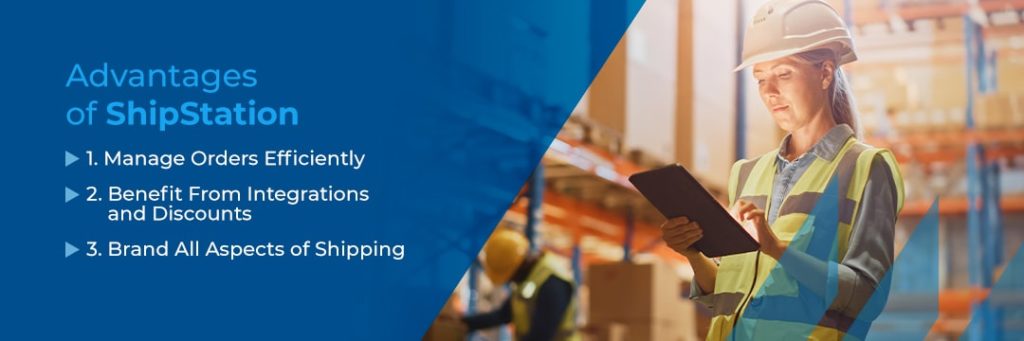
Advantages of ShipStation
Businesses of all sizes use ShipStation to increase their productivity and profits. Many companies choose ShipStation because the combination of efficient order tracking and straightforward interface means they don’t have to sacrifice helpful features for efficiency.
ShipStation provides the benefits of a streamlined and automated order importing, organizing, processing, packaging and shipping software, all in a user-friendly design offering sophisticated features. How can your business take advantage of ShipStation?
1. Manage Orders Efficiently
Efficiency is essential when managing a growing business. With customizable presets for shipping and more, you can automate time-consuming data entry tasks with the click of a button. By relying on software rather than manual entry, you can also reduce the risk of human error.
ShipStation allows you to print shipping labels and packing slips by the hundreds, streamlining the order picking process. Through the cloud-based system or ShipStation’s free mobile app, you can print from any printer on your network. You can also access shipping and tracking information, manage orders and review on-demand reports.
2. Benefit From Integrations and Discounts
When deciding how to integrate ShipStation in shipping operations, you have a lot of flexibility. Businesses integrating with ShipStation have dozens of carrier and selling location options. The benefit of the ShipStation integration process is that the interface manages every order from every sales channel in one location. Instead of investing in multiple shipping solutions and spending time navigating through them all, you can use ShipStation’s unlimited store integrations to access your channels.
With access to over 40 carrier services throughout the United States, Canada, the United Kingdom and Australia, ShipStation helps you find the best carrier for your needs. As businesses offer more shipping options, you can let customers choose how they prefer to receive their order. You can also view live shipping rates for several carriers at once and take advantage of ShipStation’s exclusive discounts for e-commerce retailers, so you can save on the best shipping method.
3. Brand All Aspects of Shipping
Whether your business is in a specialized niche or competes with hundreds or even thousands of similar products, you need a way to ensure customers recognize your company and can pick it out from competitors. Successful branding also helps create customer loyalty, further growing your business.
ShipStation allows e-commerce businesses to brand nearly every aspect of the order fulfillment process. As soon as a customer hits “submit order,” ShipStation can send them a branded confirmation email to communicate information like the tracking number. Seeing your name and logo on these pages can help customers develop a positive connection with your brand.
Customers can also begin tracking their packages through a branded tracking page or emails that update them on their order’s status. When customers want to make a return, a branded returns portal is another way to demonstrate your business’ commitment to customer service. In addition, ShipStation can include your name and logo on shipping labels and packing slips to keep the customer experience seamless.
Why Choose Finale Inventory as Your ShipStation Inventory Control Solution?
When businesses need additional inventory management capabilities, ShipStation’s integrations and partnerships simplify adding new platforms and increase benefits. For example, throughout ShipStation’s order tracking process, the platform does not monitor the company’s inventory in the warehouse. This real-time tracking is essential for correct order fulfillment, as it can prevent costly stock-outs.
Integrating Finale Inventory’s inventory management software with ShipStation can avoid this issue and multiply the benefits of using ShipStation alone. As an official ShipStation partner, Finale Inventory’s software integrates smoothly with the ShipStation software to track your inventory supply in real time while allowing ShipStation to fulfill orders as usual.
Consider these benefits of using Finale Inventory as your inventory control solution.
- Easy integration: Integrating your ShipStation account into Finale Inventory is as simple as entering your account and password. Our software can immediately begin tracking your orders and updating inventory levels accordingly.
- Support across multiple marketplaces: Finale Inventory syncs with every marketplace, shopping cart and point of sale that ShipStation does, granting you fast access to new sales channels. Multiple integration processes consistently update stock levels across marketplaces.
- Forecast restocking: ShipStation’s software can alert you when the stock you manually input into the system reaches a designated level. Finale Inventory software can revolutionize restocking by calculating dynamic reorder points using a few data points like supplier lead time and desired buffer stock.
- Automatically update stock levels: Every time your stock changes because of an order or return, our software will automatically update your sales channels to prevent customers from over-ordering your products. This function eliminates the need to update your stock levels manually.
- Personalized support: During over a decade of experience in the inventory management business, we learned that while all e-commerce companies need to manage their inventory, they all have unique needs. We offer tailored support to help each customer use our software in a way that suits their requirements.
- Scalability: E-commerce merchants need solutions that grow as they do. Finale Inventory offers flexible architecture to support business growth.
- Customization: With individualized configurations, businesses in various industries can take advantage of Finale Inventory’s unique features, custom reports and more.

Learn More About Finale Inventory Today
Integrating Finale Inventory with your ShipStation account can help you take control of your order management processes like never before. Finale Inventory is lighting-fast and flexible to accommodate scaling business inventory needs. You can benefit from order management solutions that help you manage fulfillment and shipping with greater efficiency.
We provide customers with low-commitment, month-by-month payment plans, so they can maximize our software without paying any upfront costs. Contact us today to learn how partnering with Finale Inventory can help your business succeed.
